
Visualizing Complexities
Our world is full of complexities!
In a recent project for my Organizational Principles class I turned complex ideas into simple and easy to understand visuals. At times words can feel hard to grasp and understand. But when you pair words with clear visuals they are easily understood and inspire readers.
In this project as I was thinking of what visuals to add, I found I first had to understand the story behind the words. From there I was able to find what message was being shared. I found the best way to share the message was by making visuals that represented a few key words.
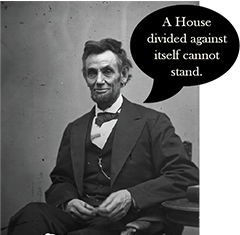
An important organizational principle is unity. To represent unity I choose a famous quote from Abraham Lincoln, “A house divided against itself cannot stand”. This quote though powerful, may confuse individuals who don’t have a background in US history or politics. I found visuals would help this message be better understood.
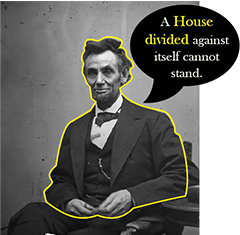
In starting my process I needed to find the key words. After evaluating I found the keys words to be:
1. Abraham Lincoln
2. House
3. Divided

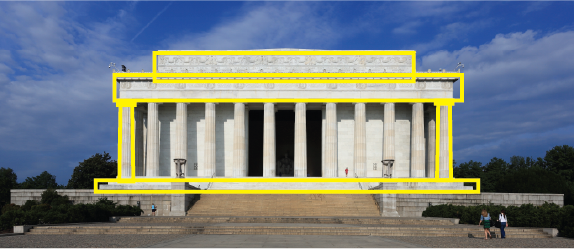
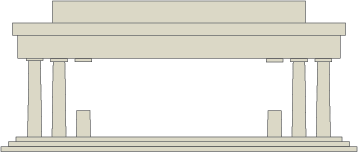
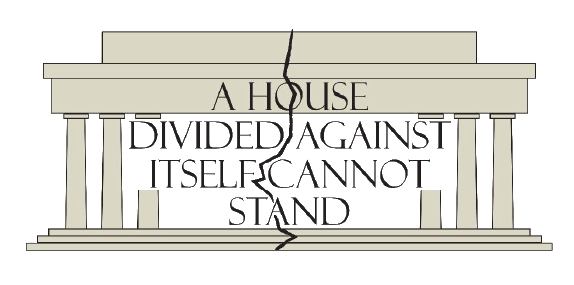
To simplify, I choose the Lincoln Memorial with shows both Abraham Lincoln and house. The memorial’s architecture also reflects US history and politics, which I hoped would help minimize the confusion of the words.
I really wanted this to look clean and simple so I only used the most important shapes of the Lincoln Memorial, such as
– Roof
– Pillars
– Stairs
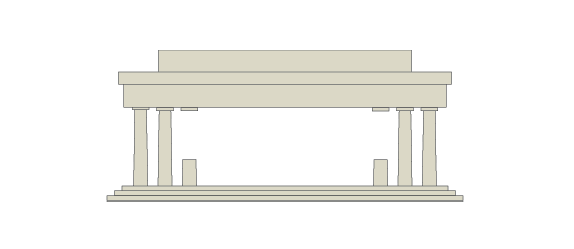
After finding the most important shapes I morphed them into a vector image.
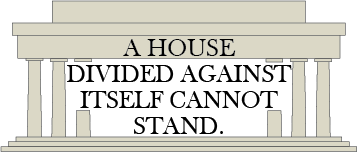
Then I put the words on top of the picture.
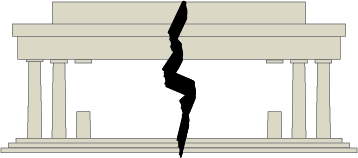
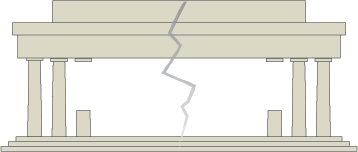
The next key word visual to add was divided. I wanted it took look like the memorial was being broken in half. To do this I had several styles of breaks to choose from. So experimented with a few. I decided to go with a more simple stroke so the audience could focus on the words more.
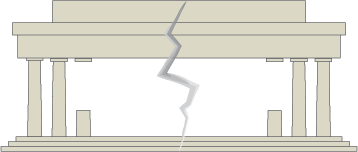
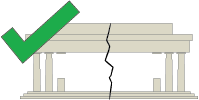
After that I decided to put all three elements together. I had to change the stroke shape a little bit. I saw that the stroke was covering the words so I had to move some of the words apart. I also wanted to try splitting a word in half.
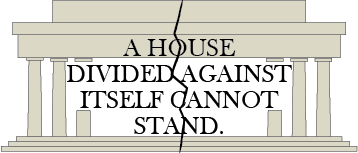
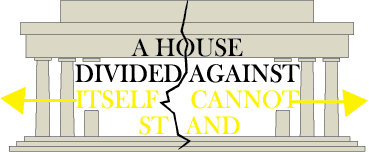
A problem that I ran into was trying to make the words and the stroke look good together. I ended up deciding to put the last word back together and putting the crack through a letter.
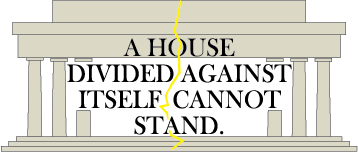

After a few more touches this is what I came up with. If you want to see more like this click this link to view my portfolio.
Do you like what you see?
Come check out my portfolio! My portfolio has several unique ideas, I would love for you to see what I can do!!